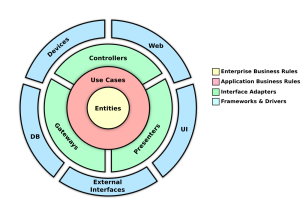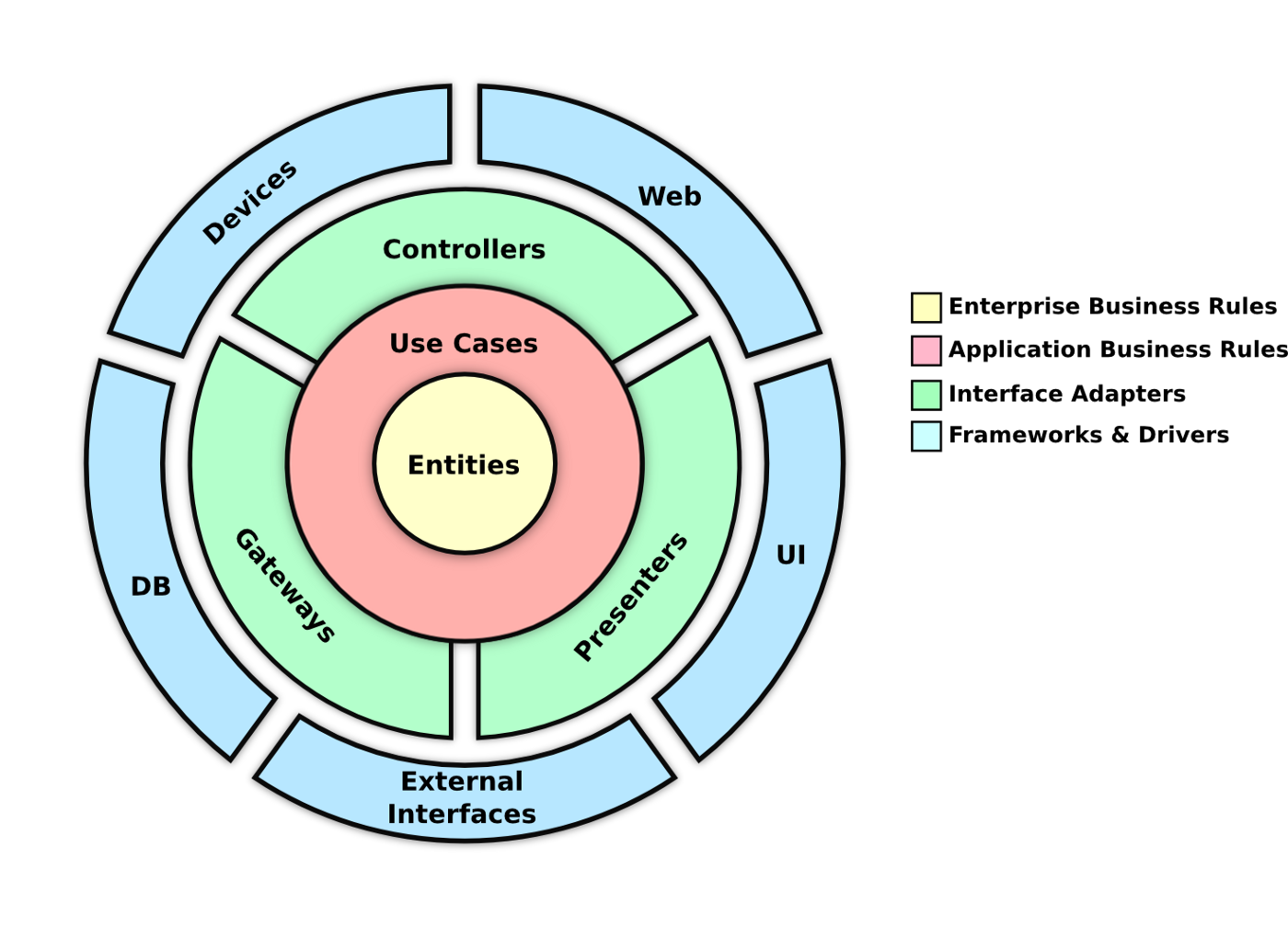


RentCar adopts Clean Architecture and Domain-Driven Design (DDD) to optimize car rental processes, featuring reservation interfaces, fleet management tools, availability tracking, and potential payment integration. The emphasis is on achieving a scalable, maintainable, and domain-centric design.
Clone the repository:
git clone https://github.com/foxminchan/RentCar.git
Install necessary tools:
pnpm install

dotnet tool install dotnet-ef -g
dotnet tool install Nuke.GlobalTool --global
To run the application, you can do this by running the following command:
dotnet watch -p ./src/RentCar.Usecase/ run -lp https
RentCar uses OpenTelemetry to collect logs, metrics, and traces. The following are the services that are currently supported:
You can view the metrics and traces by running the following command:
docker-compose ./docker/docker-compose.o11y.yml up
For sebp/elk, you need to run the following command to increase the virtual memory:
sudo sysctl -w vm.max_map_count=262144
Navigate to the Cloudinary Console and create a new Cloudinary account. Once you have created your account, you will be able to view your account’s Cloud name, API Key, and API Secret in the Dashboard section. Then, you need to add the following configuration to the appsettings.json file:
"CloudinarySetting": {
  "CloudName": "Enter your cloud name",
  "ApiKey": "Enter your api key",
  "ApiSecret": "Enter your api secret"
},
For the deployment, RentCar uses the HashiCorp stack, which consists of Nomad, Consul, and Vault. It is a set of open-source tools that enable you to provision, secure, and run any infrastructure for any application. The following is the architecture of the HashiCorp stack:

To start the HashiCorp stack, you need to start the Nomad, Consul, and Vault servers. You can do this by running the following command:
Important
Make you have installed tools in the Prerequisites section.
cd build/local
./start.sh
To use Terraform to provisioning the API, you need to run the following command:
cd build/nomad
terraform init
terraform apply
For clean up, you need to run the following command:
cd build/nomad
terraform destroy
This project is licensed under the MIT License – see the LICENSE file for details.