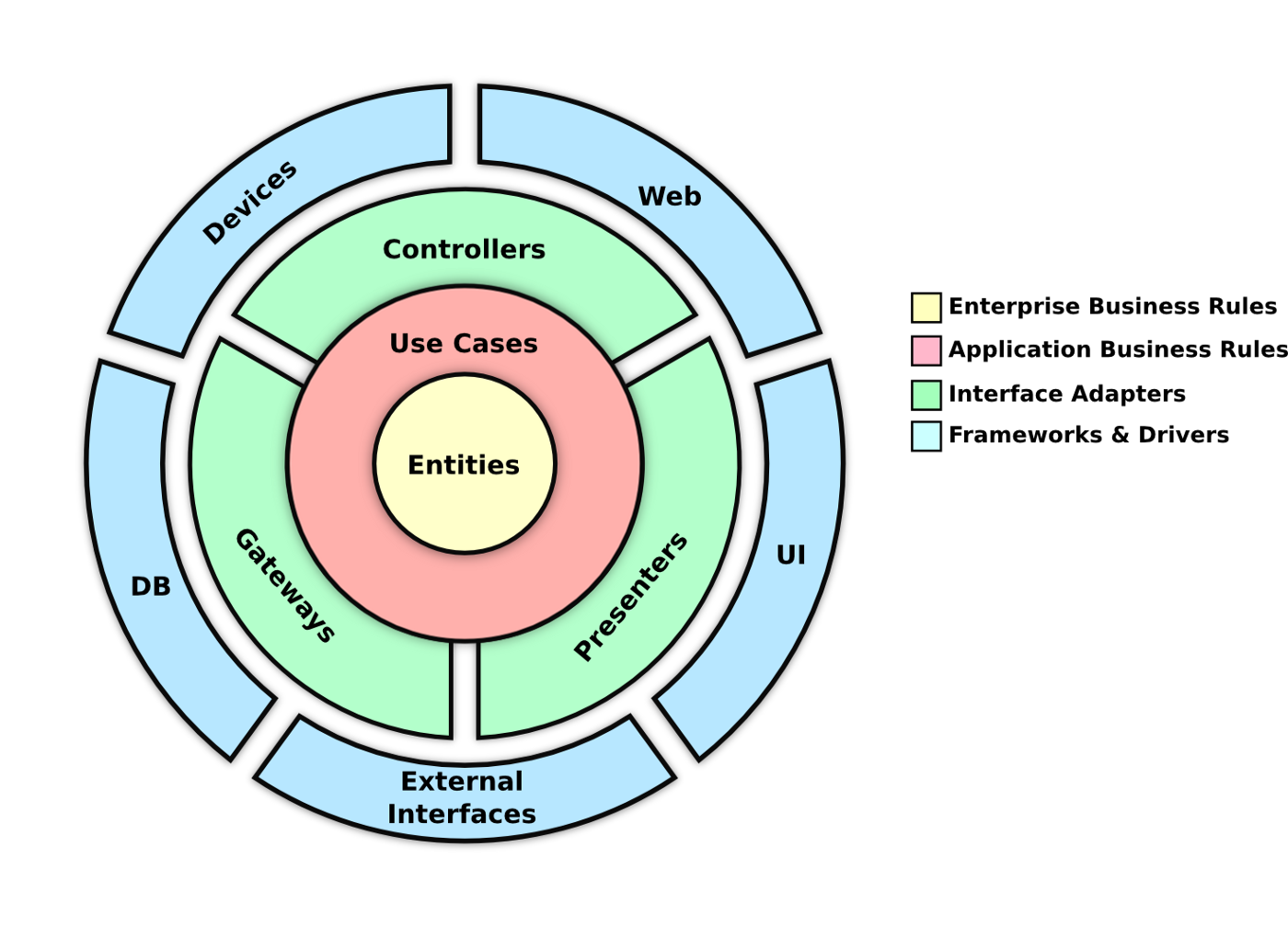

A sample e-commerce application that enables users to buy and oversee pharmaceuticals and other health-related items. The application will be constructed with a clean architecture and domain-driven design, utilizing .NET 8.0, and runs on Azure AKS 🛞.

Note
If you want to deploy the application to Azure, you need to install the Azure CLI and have an Azure Subscription.
Make sure to have the license for the Duende IdentityServer.
- Clone the repository
git clone https://github.com/foxminchan/DrugStore
- Restore the packages and install the dependencies
cd DrugStore
dotnet restore ./DrugStore.sln
dotnet tool restore
pnpm install
- Set up infrastructure
docker-compose -f ./docker-compose.yml -f ./docker-compose.o11y.yaml up -d
From the root directory, run the following command:
tye run
Warning
Ensure that the Docker Desktop is running.
For load testing, run the following command:
k6 run ./k6/performance.js
For unit testing, run the following command:
dotnet test ./DrugStore.sln
For test the tests, run the following command:
dotnet stryker
Important
To use SpecFlow for BDD testing, make sure to install the SpecFlow extension in Visual Studio. You can install the extension from the Visual Studio Marketplace. After installing the extension, you can run the tests using the Test Explorer. The tests are located in the Backoffice.EndToEnd and Storefront.EndToEnd projects.

The application is instrumented with OpenTelemetry and uses LGTM as the observability platform. LGTM is a lightweight, open-source observability platform that enables you to monitor and troubleshoot applications. It provides a dashboard that displays traces, metrics, and logs. The dashboard is accessible at http://localhost:3000. The default credentials are admin for both the username and password.
- Open the LGTM dashboard
open http://localhost:3000
- Login with the following credentials:
Username: admin
Password: admin
- View the traces, metrics, and logs

To deploy the application to Azure, follow the steps below:
- Login and select the subscription
az login
az account set --subscription "subscription_id"
- Deploy the infrastructure
az deployment sub create --location eastus --template-file ./azure/main.bicep
- Login to the Azure Container Registry
export PASSWORD=YOUR_PASSWORD
echo $PASSWORD | docker login "acr_name".azurecr.io -u "username" --password-stdin
- Build and push the images to the Azure Container Registry
docker compose build
docker compose push "acr_name".azurecr.io/drug-store-api:latest
docker compose push "acr_name".azurecr.io/drug-store-storefront:latest
docker compose push "acr_name".azurecr.io/drug-store-backoffice:latest
docker compose push "acr_name".azurecr.io/drug-store-identityserver:latest
- Get the Azure Kubernetes Service credentials
az aks get-credentials --resource-group "resource_group" --name "aks_name"
- Deploy the application to the Azure Kubernetes Service
az deployment group create --resource-group "resource_group" --template-file ./azure/app.bicep
- Open the application
kubectl get ingress
This project is licensed under the MIT License – see the LICENSE file for details.
Github: https://github.com/foxminchan/DrugStore