
A modern Windows desktop application for managing favorite applications, monitoring system metrics, and controlling startup programs.



- Real-time System Monitoring
- CPU & RAM usage charts (last hour)
- Current system metrics
- Refresh on demand
- Running Applications
- See all active windows
- Memory and CPU usage per app
- Quick kill/close functionality
- Monitor Windows Startup Apps
- View all applications configured to start with Windows
- Registry (User & System)
- Startup Folders
- Task Scheduler
- Real-time Status
- See which apps are running
- Process ID and memory usage
- Quick terminate processes
- Management
- Remove apps from startup
- Disable unwanted autostart entries
- Manage Favorite Apps
- Multi-select support
- Label system (Browser/App/Working app)
- Test and delete actions
- Browser Link Management
- Add URLs to browser favorites
- Manage multiple links per browser
- URL validation
- Discover Installed Apps
- Scan Start Menu shortcuts
- Search functionality
- Quick add to favorites
- Startup Trigger
- Auto-launch selected favorites on Windows startup
- Configurable delay (5/10/15/30/60 seconds)
- Languages
- Vietnamese (Tiếng Việt)
- English
- Russian (Русский)
- Autostart Trigger
- Configure app to start with Windows
- Task Scheduler integration
- Rules & Permissions
- Run with Administrator privileges
- Manage app permissions
- 🌑 Modern Dark Theme
- 🖼️ Responsive Layout
- 🎯 Intuitive Navigation
- 🌍 Multi-language Support
- ⚡ Fast & Smooth
- Framework: PySide6 (Qt for Python)
- Icons: QtAwesome
- System Monitoring: psutil
- Build Tool: PyInstaller
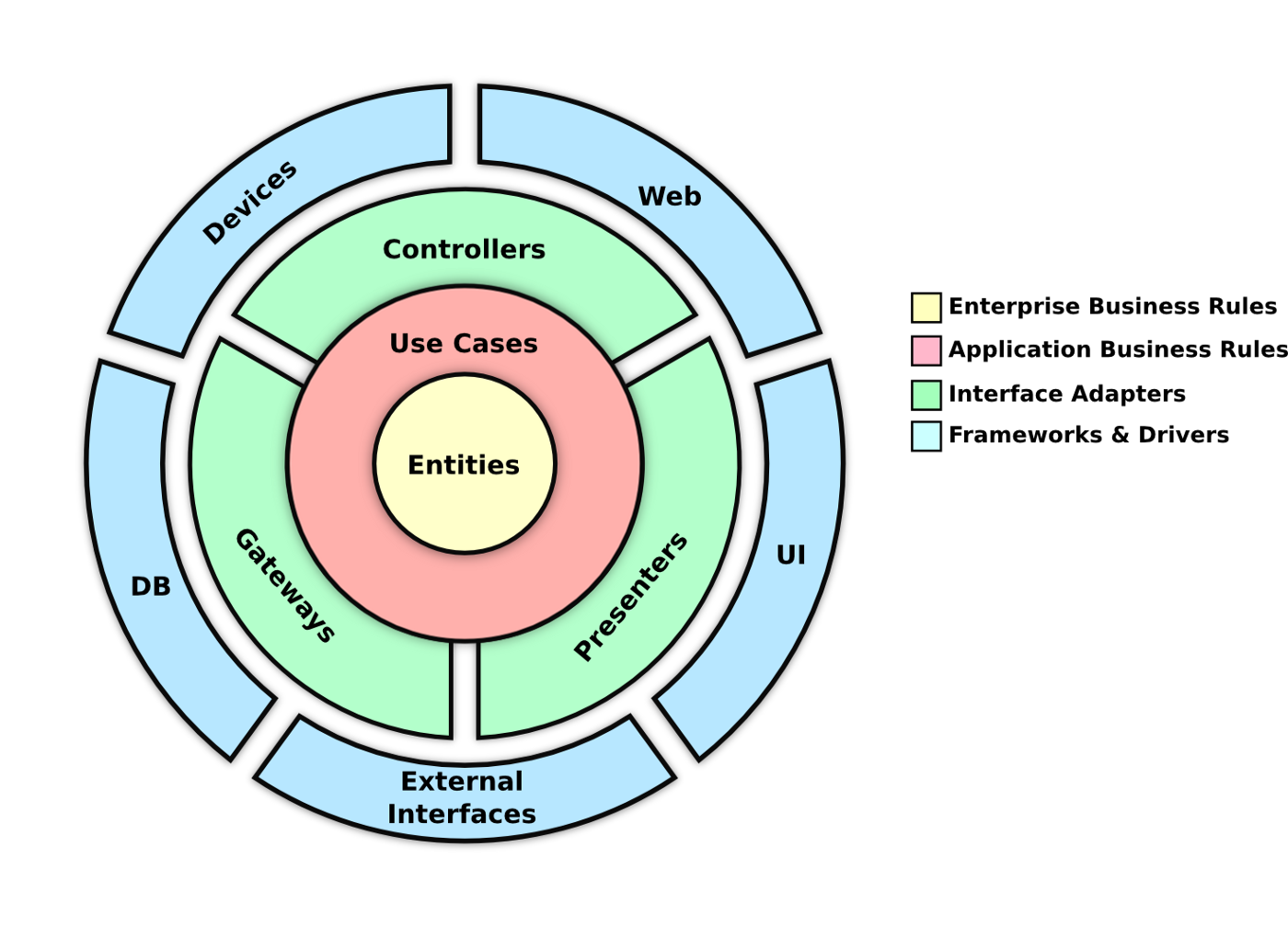
- Architecture: Clean, modular design
- Download
StarterAppLauncher.exefromdist/folder - Double-click to run
- No installation needed!
Python 3.11+
pip
# Clone the repository
git clone <repo-url>
cd StarterApp

# Install dependencies
pip install -r requirements.txt

# Run the app
python src/app/main.py
# Build exe
.\build.bat

# Build installer (requires Inno Setup - https://jrsoftware.org/isdl.php)
.\build-installer.bat
Output: installer_output\StarterAppLauncher-Setup-1.0.0-beta.exe
# Quick build
build.bat

# Rebuild (clean and build)
# This will automatically sign the EXE if certificate exists
build.bat

# Or manual build
pyinstaller --onefile --windowed --clean ^
  --name "StarterAppLauncher" ^
  --paths "src" ^
  --add-data "src/i18n/locales;i18n/locales" ^
  [... see build.bat for full command]

# Rebuild with code signing (if certificate exists)
# The build.bat script will automatically sign the EXE after building
# Make sure code-signing-cert.pfx exists in the project root
Note:
- The
build.batscript automatically cleans previous build artifacts - If
code-signing-cert.pfxexists, the EXE will be automatically signed after build - To create a certificate:
.\create-cert.ps1 - To manually sign:
.\sign-exe.ps1 -ExePath "dist\StarterAppLauncher.exe"
StarterApp/
├── src/
│   ├── app/              # Entry point
│   ├── ui/               # UI components
│   │   ├── pages/        # Main pages
│   │   ├── tabs/         # Tab widgets
│   │   └── theme.py      # Dark theme
│   ├── services/         # Business logic
│   ├── models/           # Data models
│   ├── storage/          # Config management
│   ├── i18n/             # Translations
│   │   └── locales/      # Language files
│   └── utils/            # Utilities
├── dist/                 # Built executable
├── build.bat             # Build script
├── run.bat               # Run script
└── requirements.txt      # Dependencies
The app stores configuration in:
%APPDATA%/StarterAppLauncher/config.json
Configuration includes:
- Language preference
- Favorite apps
- Browser links
- Startup settings
- Autostart configuration
Some features require Administrator privileges:
- Autostart Management (Task Scheduler)
- Kill System Processes
- Modify System Registry
Enable in: Admin Settings → Rules → Run as Administrator
- 🇻🇳 Vietnamese (Tiếng Việt)
- 🇬🇧 English
- 🇷🇺 Russian (Русский)
Easy to add more languages by adding JSON files in src/i18n/locales/
[Your License Here]
Contributions are welcome! Please feel free to submit a Pull Request.
For issues and questions, please open an issue on GitHub.
- PySide6 for the amazing Qt framework
- QtAwesome for beautiful icons
- psutil for system monitoring capabilities